
We use cookies and similar technologies to improve your experience and analyse usage. By continuing you agree to our Privacy Policy.

    VendorLens

    A customer trust portal your buyers actually want to use

    Customers ask for security documentation post-sale too — for renewals, vendor reviews and audits. Today every request is a fire drill.

    VendorLens gives customers a dedicated portal to download SOC 2 reports, certificates, DPAs and policies whenever they need them — without asking sales or security each time.

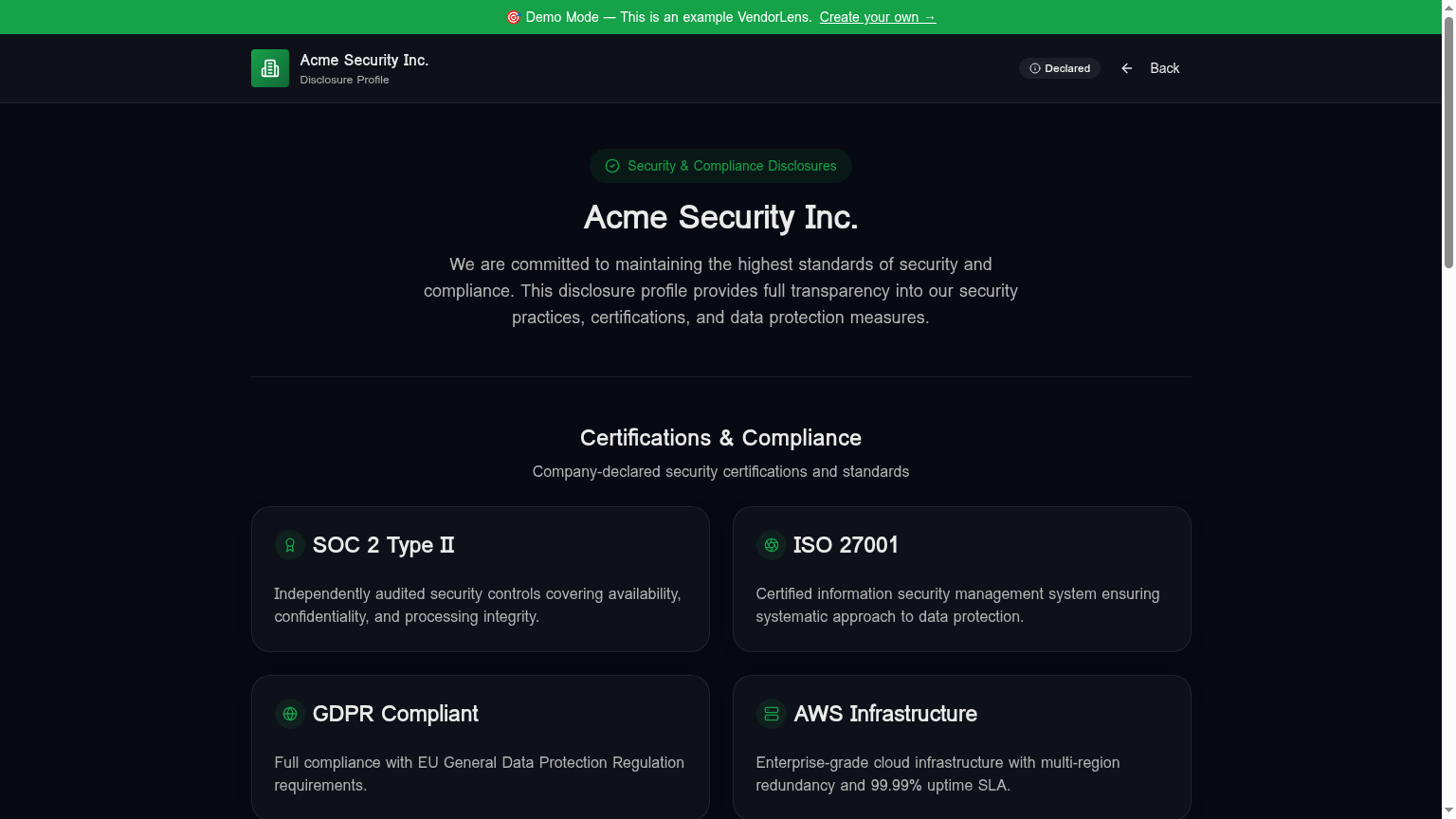
    A customer trust portal your buyers actually want to use — VendorLens trust portal screenshot

    Use cases

    Post-sale document access

    Customers download the latest SOC 2, ISO certificate or DPA without an email round-trip.

    Vendor risk renewals

    Procurement teams self-serve refreshed evidence for annual vendor reviews.

    Branded customer experience

    Custom colors, logo, footer and domain on Pro and Business plans.

    How it works

    1

    Set up your branded portal

    Upload logo, set primary color, choose typography. Optional custom domain.

    2

    Publish your security materials

    Set up sections for Certifications, Policies, Subprocessors and Documents.

    3

    Share the link with customers

    Add the URL to your contracts, customer emails and renewal packs.

    4

    See what customers actually access

    Audit log shows which docs are downloaded most so you know what to keep current.

    Manual process vs VendorLens

    TopicManual processWith VendorLens
    Customer requestsEmail the SOC 2 to every customer every yearCustomers download themselves, anytime
    BrandingPlain PDFBranded portal, optional custom domain
    Effort per request15 minutes per customerZero

    Frequently asked

    Can I use my own domain?

    Yes. On Pro and Business plans you can host the trust portal on a domain you own — typically a subdomain like trust.yourcompany.com or security.yourcompany.com. Setup is automated through the dashboard: add the domain, copy the CNAME record into your DNS provider, and our Cloudflare for SaaS integration handles certificate issuance and renewal automatically. The portal looks and feels like part of your main marketing site, with your favicon, your colors and your URL in the address bar, which materially affects trust signals for buyers who Google-search "[your company] trust" or "[your company] security" before a deal. You can also bring your own SSL certificate if your security policy requires it.

    Can different customers see different documents?

    Public documents are visible to everyone, so anything you publish at that tier is the same artefact for every visitor. For finer-grained control, NDA-gated documents require a per-customer request and approval cycle, which means you control exactly who has active access at any moment in time. You can approve different document sets per request — for example, approving SOC 2 + pen test for an enterprise prospect but only SOC 2 for a smaller deal — and revoke access independently. On the Business plan you can also build customer-specific access groups so a recurring relationship like a strategic partner gets a stable, ungated view of a defined document bundle without re-requesting each quarter.

    Does the portal include analytics?

    Yes. The built-in audit log records every page view, document view, NDA request, approval, download and access expiry against a timestamp and requester identity. It is exportable as CSV for your own auditors or for revenue analysis ("which of our prospects are reading the BCP before signing?"). On Pro and Business plans you can also configure a custom Google Analytics 4 measurement ID that fires only on your trust pages — useful if your marketing team wants to attribute trust page traffic to campaign sources without polluting your main GA property. Analytics never expose the identity of authenticated NDA requesters to anyone outside your own team.

    What happens when a customer leaves or churns?

    You have three options and they are independent per customer. You can do nothing — public documents stay accessible, NDA-gated documents stop refreshing when access tokens expire (default 24 hours) and the relationship quietly winds down. You can revoke active access immediately from the request screen, which invalidates any unexpired signed URLs the customer still holds. Or you can leave them on a low-touch annual renewal track, where the same audit-log artefact you use for active customers also satisfies the "we know exactly who has our SOC 2" question your own auditor will ask. All three are normal patterns and the right choice depends on the document's sensitivity.

    Ready to publish your trust center?

    Start free, or talk to us about the design partner program.