We use cookies and similar technologies to improve your experience and analyse usage. By continuing you agree to our Privacy Policy.

    VendorLens

    SOC 2 Document Portal — share reports securely with NDA gating, watermarking and audit logs

    Every serious buyer asks for your SOC 2 report. Email is fast but leaves you with no NDA on file, no expiry, no watermark and no way to prove controlled distribution to your own auditor.

    VendorLens is a SOC 2 document portal built for SaaS startups & SMBs that need to share their Type 2 report without emailing PDFs. Sales sends one link; buyers self-serve behind an NDA, watermarked download and time-limited access. Security approves in one click and the audit log records everything.

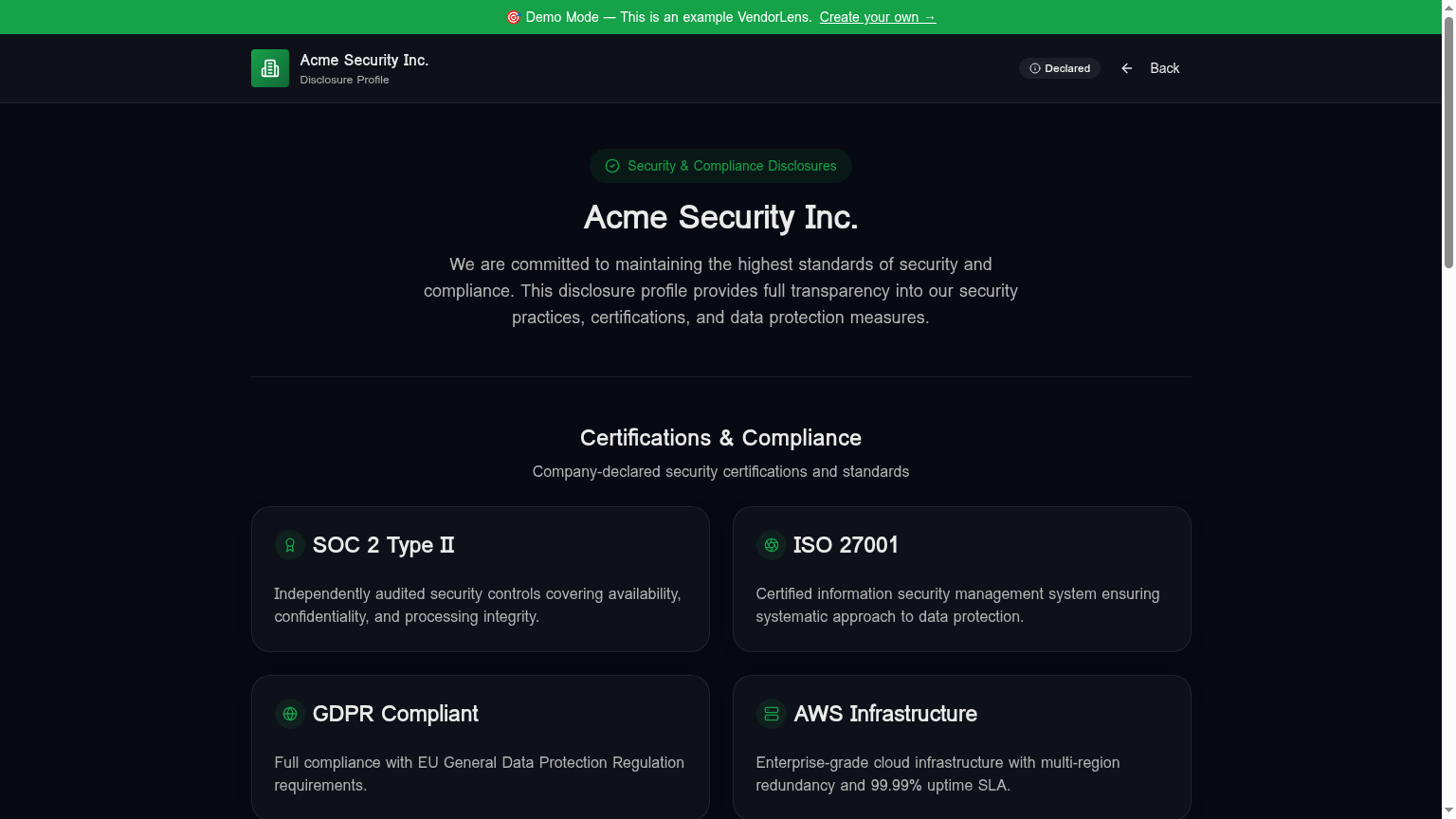
    SOC 2 Document Portal — share reports securely with NDA gating, watermarking and audit logs — VendorLens trust portal screenshot

    Use cases

    Replace SOC 2 over email

    Sales sends one durable portal link instead of threading security into every deal. Buyers sign the NDA and download the watermarked report on their own schedule.

    Track who has the report

    Every access request, NDA signature, approval and download is logged with a timestamp and buyer identity — the exact artefact your auditor asks for under CC6.1.

    Bridge the gap pre-Type 2

    Publish the Type 1, bridge letter and a short summary while the Type 2 is in progress so deals do not stall.

    Sales and security review workflow

    Sales owns the relationship; security owns the gate. Requests land in a shared queue with company context and signed NDA attached, so security can approve in batches without chasing sales for buyer details.

    How it works

    1

    Upload the SOC 2 PDF and set NDA-required

    The report appears on your trust portal as listed but gated. You can also upload the bridge letter, attestation letter and a short summary as separate documents with their own visibility rules.

    2

    Configure the NDA and approval rules

    Use the built-in NDA template, paste your own text, or connect DocuSign / SignNow on paid tiers. Set the default access window — 24 hours is standard for SOC 2 reports.

    3

    Sales sends the portal link in every deal

    One link replaces the "can you send the SOC 2" email loop. Buyers land on your branded portal, see the report is available, and request access directly.

    4

    Security approves and the buyer downloads

    Requests land in the dashboard with name, company, email and signed NDA. Approve in one click. The buyer gets a signed URL and the PDF is watermarked with their identity on every page.

    5

    Review the audit log

    Every view, request, NDA signature, approval, download and expiry is recorded with a timestamp. Export as CSV for your own auditor or for quarterly security reviews.

    Manual process vs VendorLens

    TopicManual processWith VendorLens
    SOC 2 sharingAttach to email after NDA back-and-forthSelf-serve NDA + watermarked download
    Sales handoffSales emails security for every requestOne portal link; security approves from a queue
    WatermarkingManual PDF editing per requestAutomatic on every download
    Access expiryNever — PDF is on their laptop foreverConfigurable token expiry, default 24h
    NDA storageHunting through email and DriveStored against the request in the audit log
    Audit trailNo record after the email is sentPer-document, per-requester, exportable

    Why emailing your SOC 2 report is the wrong default

    A SOC 2 Type 2 report is one of the most sensitive documents your company produces. It contains detailed descriptions of your internal controls, the systems those controls operate over, the exceptions the auditor noted, and — depending on how thorough your auditor was — enough information about your architecture to give a motivated attacker a head start on a threat model.

    Despite that, the default workflow in most early-stage and mid-market B2B teams is still: a buyer asks for the report, sales emails security, security pulls the PDF off SharePoint, sales attaches it to a reply, and the file is now on a laptop you do not control with no way to expire it, no watermark, and no audit trail. The same PDF then ends up in the buyer's next vendor review pack and from there in places you have no visibility into at all.

    An NDA-gated portal solves this without making sharing harder. Buyers get the report faster because they do not have to wait for a human in the loop. Security gets a defensible chain of custody with a signed NDA, time-limited access, and per-request watermarking. The friction the buyer feels is two extra clicks; the upside on the seller side is significant. And when your own auditor asks how you control distribution of confidential reports, the audit log is the answer.

    The sales and security review workflow most teams need

    The SOC 2 request usually starts with sales. A buyer in procurement or IT security asks for the report during a deal review. In the old workflow, sales forwards the request to a security engineer or compliance lead, who pulls the PDF from an internal drive, checks that the version is current, and replies with an attachment. The buyer then forwards that attachment to their own security team, and the file is now outside your control.

    With a VendorLens SOC 2 document portal, the workflow changes. Sales sends one link to every buyer — the same link in every deal, on your own domain, branded with your logo and colors. The buyer sees the SOC 2 listed on the portal with a "Request access" button. They click, fill in their details, and sign the NDA. The request lands in a shared queue that both sales and security can see, complete with the buyer's company, email and signed NDA.

    Security reviews the request — most teams approve quickly unless the ask looks unusual — and clicks approve. The buyer receives an email with a signed URL that is valid for the configured window, usually 24 hours for a SOC 2 report. When they download, the PDF is watermarked with their identity on every page. If their review takes longer than the access window, they request renewal from the same portal without re-signing the NDA.

    The result is that sales no longer has to thread security into every deal. Security no longer has to pull PDFs off drives and check versions. And both teams get an audit log that shows exactly who requested the report, when they signed the NDA, when access was approved, and when they downloaded it — the exact evidence your SOC 2 auditor will ask for under CC6.1.

    What buyers actually want to see in a SOC 2 package

    A complete SOC 2 package is more than the report itself. Buyers in a serious security review typically want to see four artefacts together: the most recent Type 2 report, the latest letter of attestation confirming the audit cycle is current, a bridge letter covering any gap between the report period and today, and a short summary of any qualified opinions or significant exceptions. Treating these as separate, individually-gated documents on the portal lets you tune visibility — most teams keep the bridge letter and attestation letter visible to anyone who has signed the NDA while keeping the full report on a tighter expiry.

    It also helps to include a one-paragraph plain-English description of the audit scope, the systems in-scope, and the trust services criteria covered. Buyers reading their first SOC 2 report sometimes do not know what to look for, and a short orientation paragraph saves a downstream call where they ask you to walk them through what they are looking at. This small addition can shave a day off the security review cycle because the buyer's IT security contact can self-serve the context they need without booking a call with your team.

    How the portal flow works end to end

    A buyer lands on your trust portal — either directly from your sales email or after searching for "[your company] SOC 2". They see the SOC 2 listed, with a "Request access" button because it is NDA-gated. They click, fill in their name, work email, and company, and either sign the built-in NDA inline or are redirected to your DocuSign / SignNow flow if you have one connected.

    On the seller side, the request lands in your dashboard with an SLA timer and the buyer's full context. You review the request — most teams skim for unusual patterns but approve quickly otherwise — and click approve. The buyer receives an email with a signed URL that is good for the configured window. When they download, the PDF is generated on the fly with their name and email injected diagonally across every page.

    If the link expires before the buyer's review wraps up, they request renewal from the same portal. As long as their original NDA is still valid, the renewal is one click on your side. Every step — request, NDA signature, approval, download, expiry, renewal — is in the audit log with a timestamp and the requester's identity. When your own auditor asks how you control distribution, the audit log is the answer.

    Frequently asked

    Can I require an NDA before sharing my SOC 2?

    Yes. Mark the SOC 2 as NDA-required in your document vault. Buyers see the report listed on your portal but cannot download until they submit a request and sign an NDA. You can use the built-in NDA template, paste your own NDA text, or wire up DocuSign or SignNow on paid tiers for a fully audited e-signature flow. Once signed, the request lands in your dashboard for approval. The signed NDA is stored against the request, the download is watermarked with the requester's identity, and the entire chain is logged. This gives you the chain-of-custody evidence your own SOC 2 auditor will look for when they review how you control distribution of confidential reports under CC6.1 or ISO 27001 A.9.4.

    How does the sales and security review workflow work?

    In most B2B teams, sales is the first contact when a buyer asks for the SOC 2. With VendorLens, sales sends one durable portal link instead of threading security into every deal. The buyer lands on your branded portal, sees the SOC 2 is available, and clicks "Request access". They fill in name, work email and company, sign the NDA, and the request lands in a shared queue that both sales and security can see. Security approves in one click — no need to chase sales for buyer context — and the buyer receives a time-limited signed URL. If the link expires before the buyer's review wraps up, they request renewal from the same portal. Sales stays in control of the relationship; security stays in control of the gate. Both teams get what they need without forwarding emails to each other.

    Are downloads watermarked and traceable?

    Yes. Every NDA-gated PDF download is watermarked on the fly by an edge function that injects a diagonal stripe with the requester's name and email across every page before the file is served. Two buyers who download the same SOC 2 report receive two distinctly traceable files. If a watermarked PDF surfaces somewhere it should not, you can trace it back to the specific approved request and the NDA the buyer signed. Watermarking applies to NDA-gated PDFs by default and can be disabled per document where it is not appropriate, such as a public certificate.

    What happens when access expires?

    Access tokens default to 24 hours and are configurable per request. After expiry, the signed URL no longer works and the buyer must request access again. The fresh request reuses the existing NDA where appropriate, so buyers do not have to re-sign on every download. The buyer receives an email when access is approved, when access is about to expire, and when access has expired. This means your sales team is not fielding "the link does not work" emails; the buyer knows exactly what happened and how to renew.

    Can I share a Type 1 report or bridge letter alongside the Type 2?

    Yes. Upload each artefact separately — Type 1 report, bridge letter, Type 2 report, latest letter of attestation — and set visibility per document. Most teams keep the bridge letter and attestation letter visible to anyone who has signed the NDA while keeping the full Type 2 report on a tighter expiry. This is especially useful during the gap between audit cycles when buyers need reassurance that your controls are still current. You can also add a short plain-English summary of the audit scope, systems in-scope and trust services criteria covered, which helps buyers reading their first SOC 2 report understand what they are looking at without booking a call with your security team.

    Ready to publish your trust center?

    Start free, or talk to us about the design partner program.